Prefer to read? Everything in the video is covered below. Captions are in the player menu.
Your Functionary AI account is where you plan, build and run your business system. Creating one is free, takes about two minutes, and you don't need a credit card.
You will need an email address you can open now: we send you a link to check that it is yours.
1. Go to the Functionary AI website
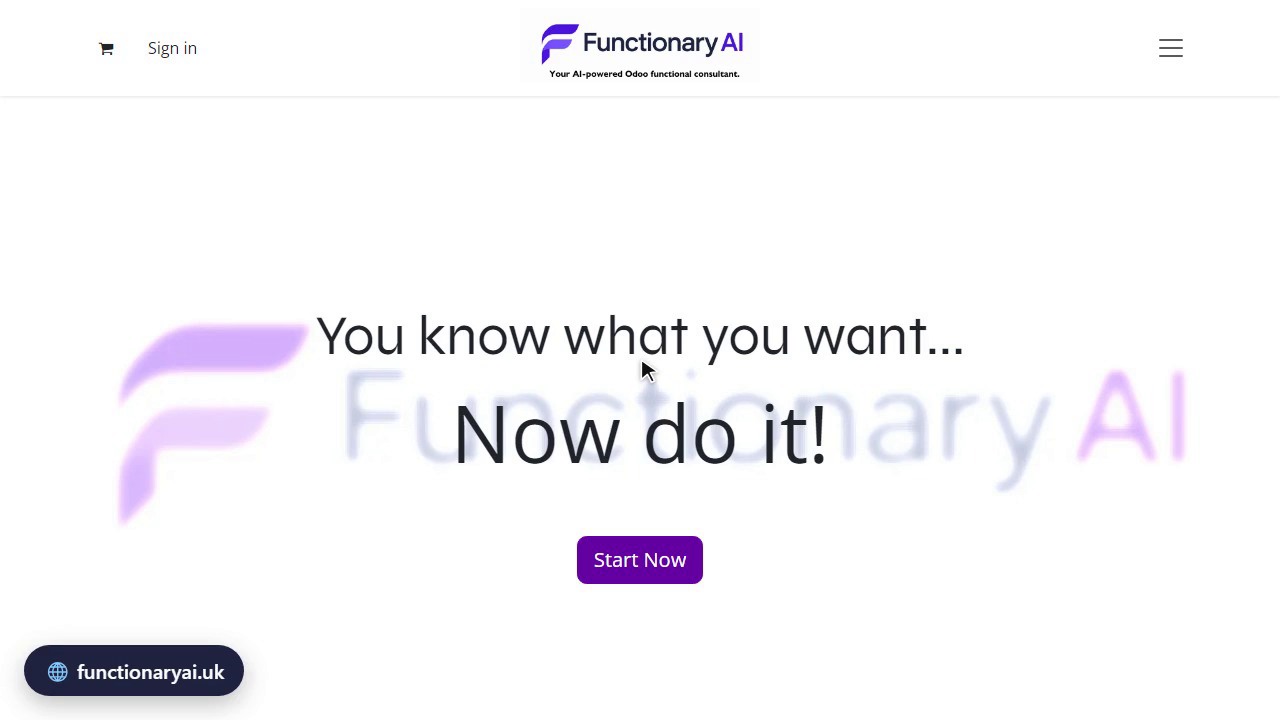
Open your web browser and go to https://functionaryai.uk. Click Sign in at the top of the page.
2. Choose to create an account
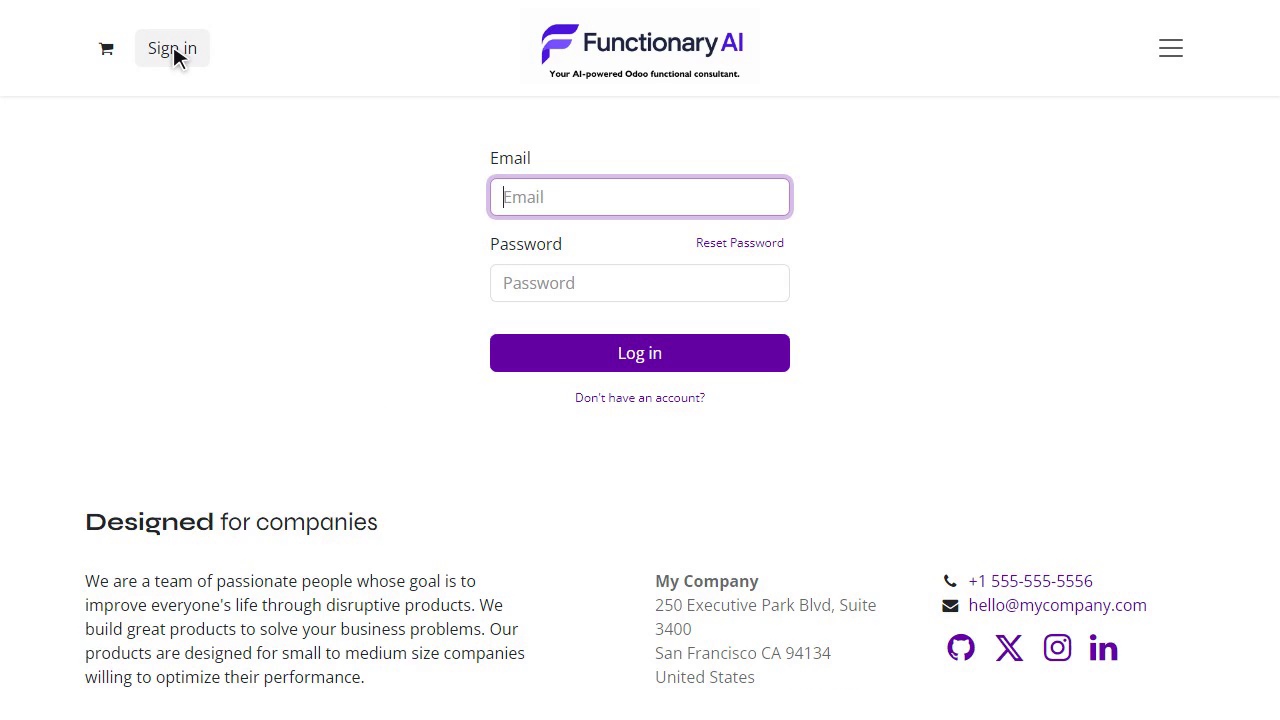
The sign-in page asks for an email and password, but you don't have an account yet. Click Don't have an account? under the Log in button.
3. Fill in the form
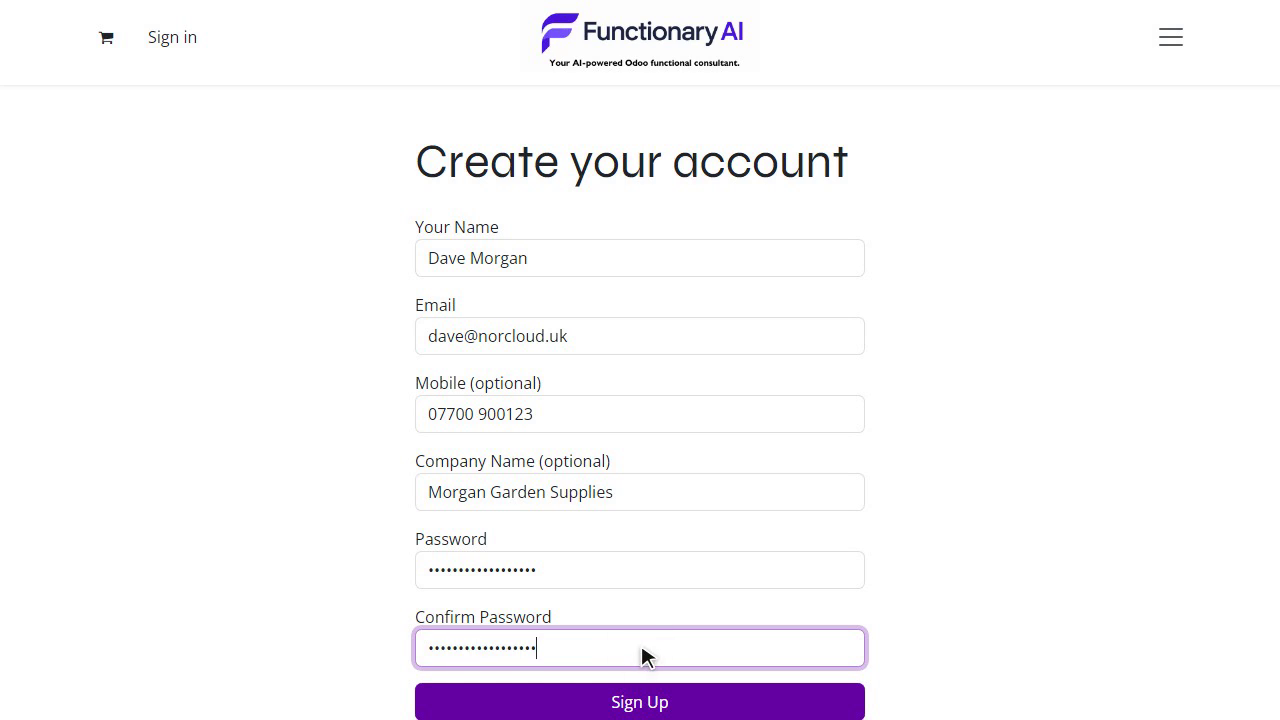
The Create your account form asks for:
- Your Name - your full name.
- Email - the address you will sign in with. We send the verification link here.
- Mobile and Company Name - optional. You can leave them empty.
- Password, then the same password again in Confirm Password.
Then click Sign Up.
If the form shows a red message, read it and correct the form: the two passwords may not match, or an account may already use that email address. If you already have an account, use Log in instead.
4. Check your email
A Check Your Email! page tells you that we have sent you a verification link. You can't sign in until you have clicked it.
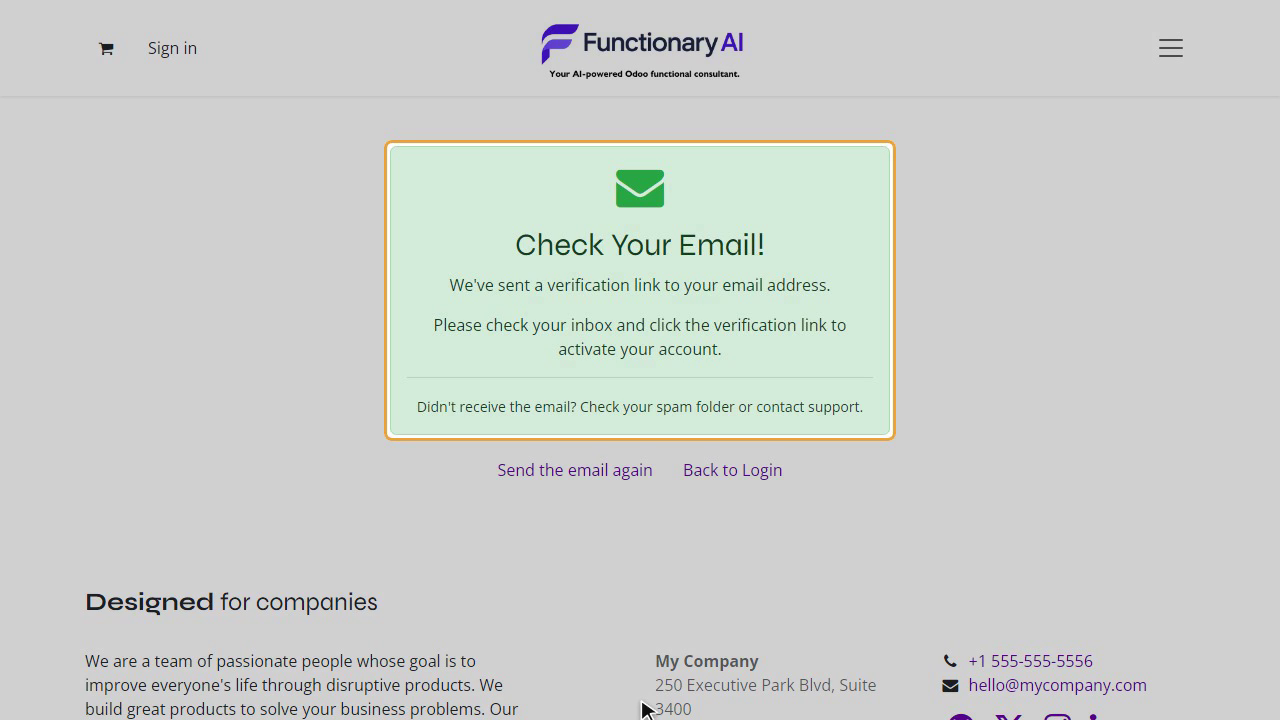
The email usually arrives within a minute or two. If it hasn't arrived after a few minutes:
- look in your spam or junk folder;
- click Send the email again on this page to have a new one sent.
5. Click the link in the email
Open the email from Functionary AI, called Welcome to Functionary AI - please verify your email, and click Verify Email Address. If the button doesn't work, copy the link underneath it into your browser.
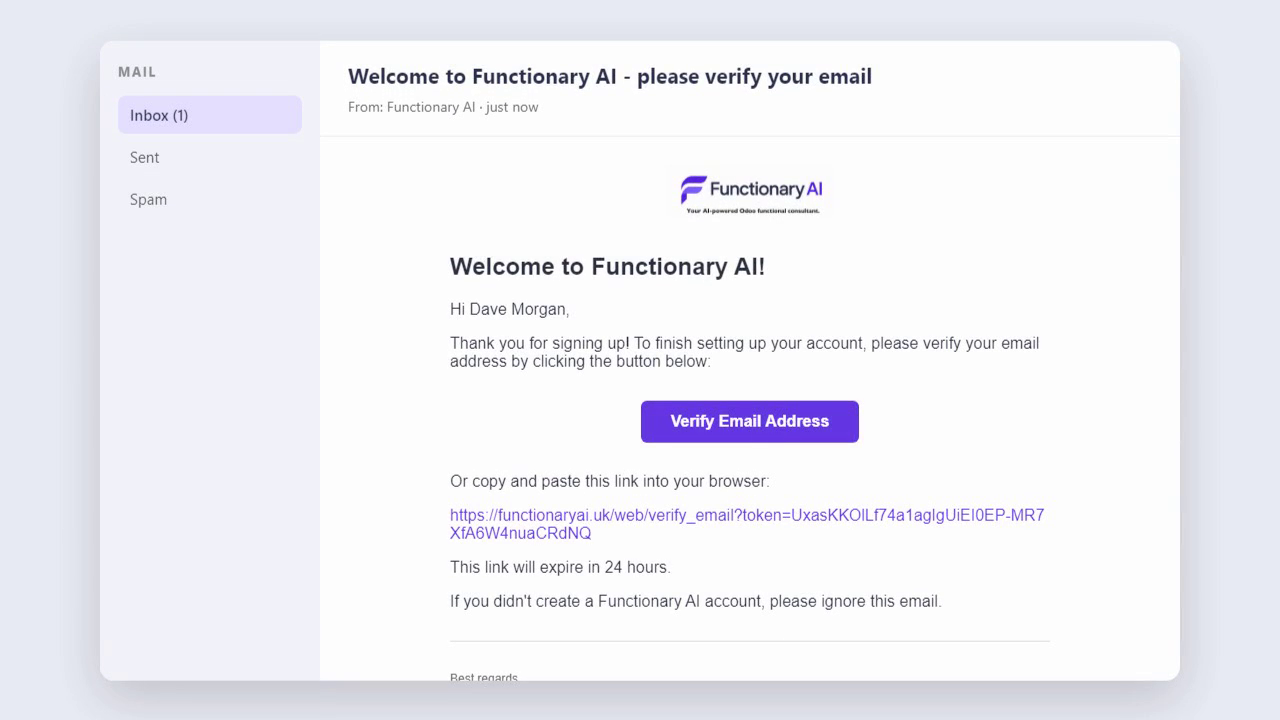
The link works for 24 hours. If it has expired, sign in with your email and password: you will be offered Send the email again.
6. Sign in
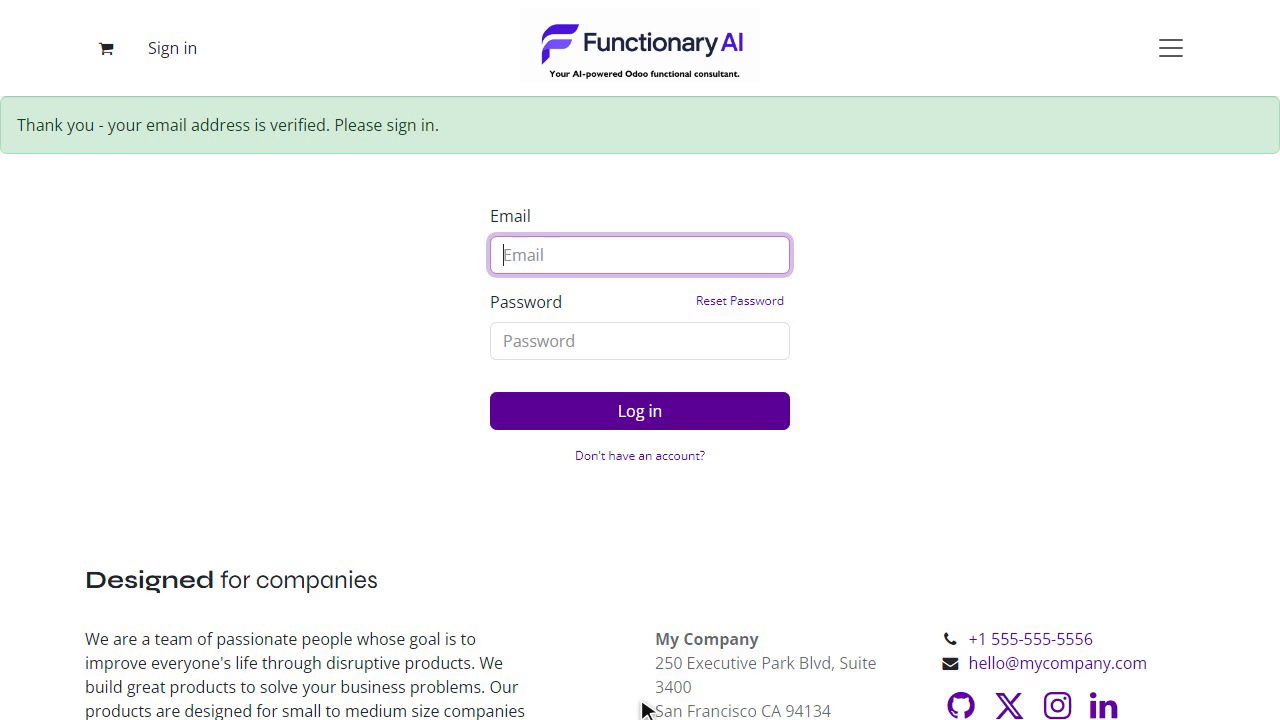
The sign-in page now says Thank you - your email address is verified. Type the email and password you chose, and click Log in.
7. Your account page
After signing in you arrive on My account, your home page on Functionary AI. You can come back to it at any time from the person icon at the top of the website.
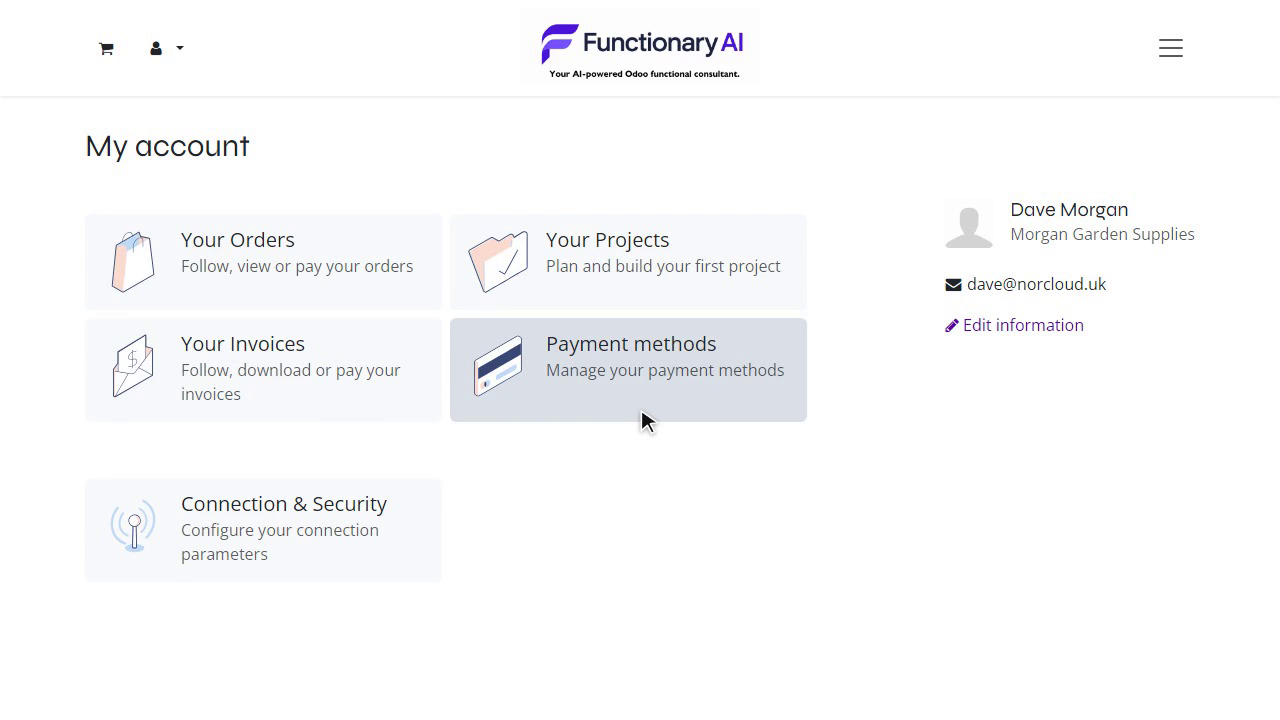
| Card | What it is for |
|---|---|
| Your Projects | Where everything starts: you describe your business, then plan and build your system with Functionary AI. |
| Your Orders and Your Invoices | Anything you buy later on, with its invoices. Empty until you buy something. |
| Payment methods | Saved cards. You don't need one until you decide to buy something. |
| Connection & Security | Change your password. |
On the right are your name and email address; click Edit information to change them.
8. Your projects
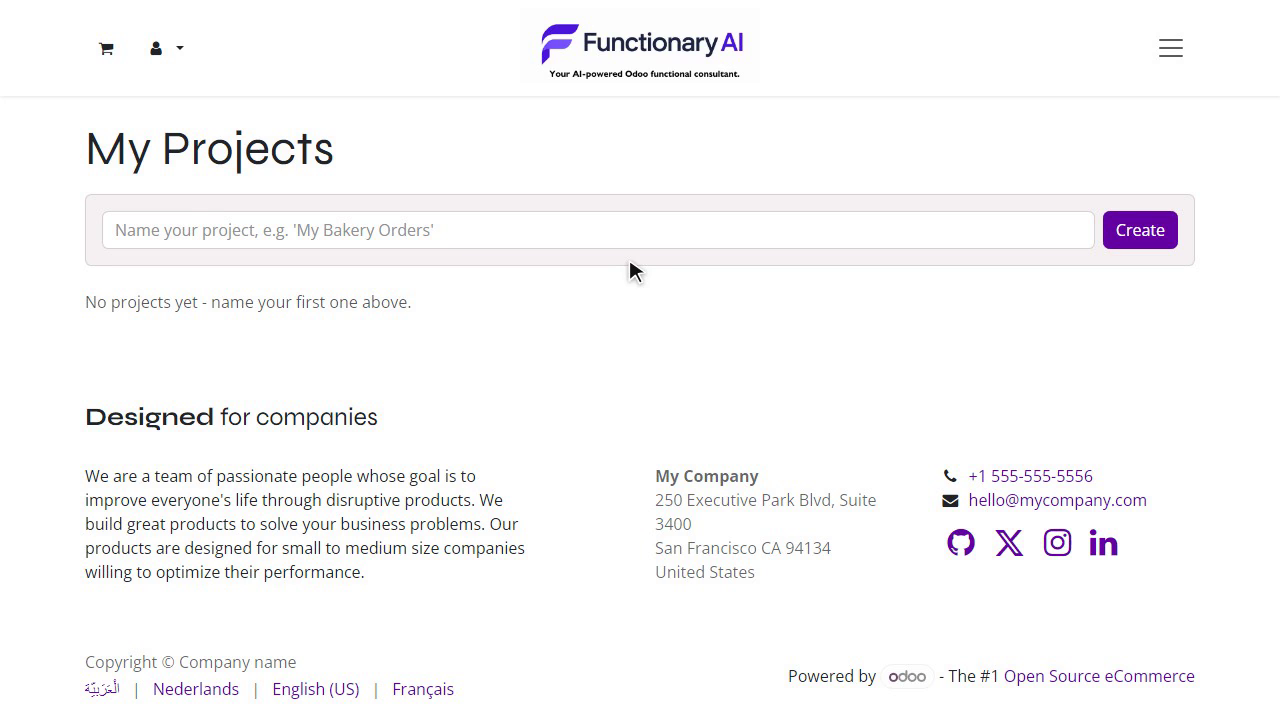
Click Your Projects to open My Projects. It is empty for now: naming your first project is the next step, and Functionary AI then starts planning your new system with you.