Prefer to read? Everything in the video is covered below. Captions are in the player menu.
Functionary AI sets up a business system for you: one that fits the way your business works, without you needing any technical knowledge. You describe what you need in your own words, and it does the rest.
The problem it solves
Your business system is built on Odoo, business software used by companies all over the world. Odoo can run almost everything: sales and quotations, stock and deliveries, invoices and payments, even your website and online shop.
The catch is that setting it up is a technical job. There are hundreds of apps and settings to choose from, and anything Odoo doesn't already do has to be built by a programmer. Most businesses pay a consultant to sort it out for them.
Think of it like building a house
You know how you want to live. You don't need to know how to lay bricks or wire the lights: that's what an architect and a builder are for.
Functionary AI is your architect and your builder. It listens to what you need, draws up the plans, and does the work. You bring the know-how about your business; it brings the know-how about Odoo.
How it works
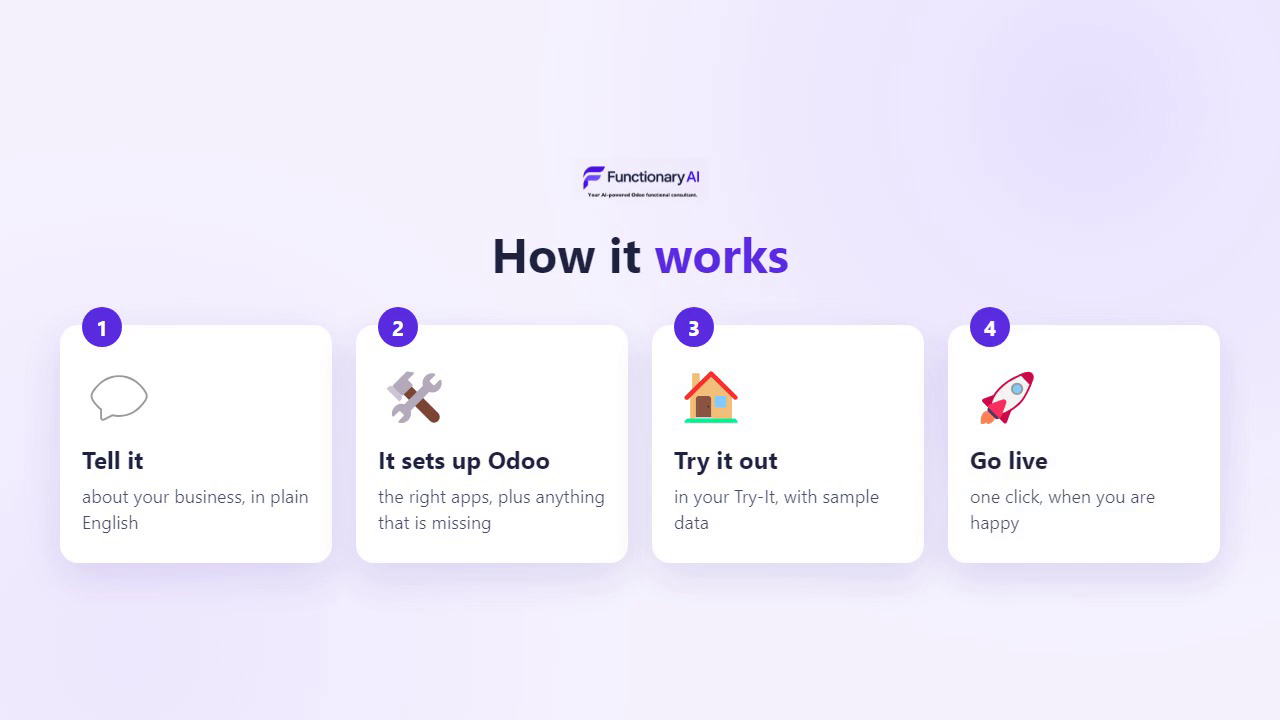
- Tell it about your business, in plain English: what you do, how you work, and what you need help with.
- It sets up Odoo for you. It picks the right Odoo apps, and builds anything that's missing.
- Try it out in your Try-It: a working copy of your new system, filled with sample data. Think of it as a show home: look around, try things, and nothing can break.
- Go live. When you're happy, one click turns your project into your real, live system.
No code, no servers, no jargon. If you can explain what you need to a new member of staff, you can use Functionary AI. Asking well shows how.
Where to find it
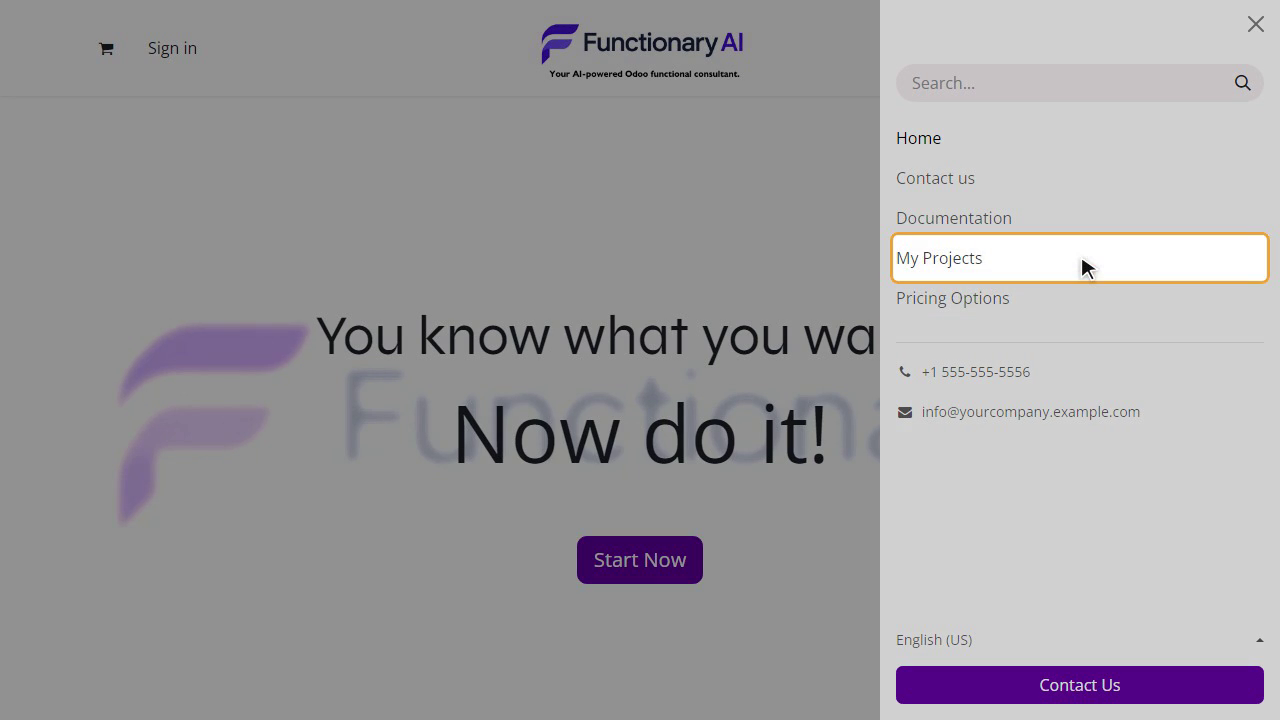
Functionary AI is at https://functionaryai.uk. The menu button at the top right of every page opens the menu:
- Pricing Options shows the packages and what each one includes.
- My Projects is where your projects live, once you have signed in.
- Documentation is where you will find these guides.
How to use these guides
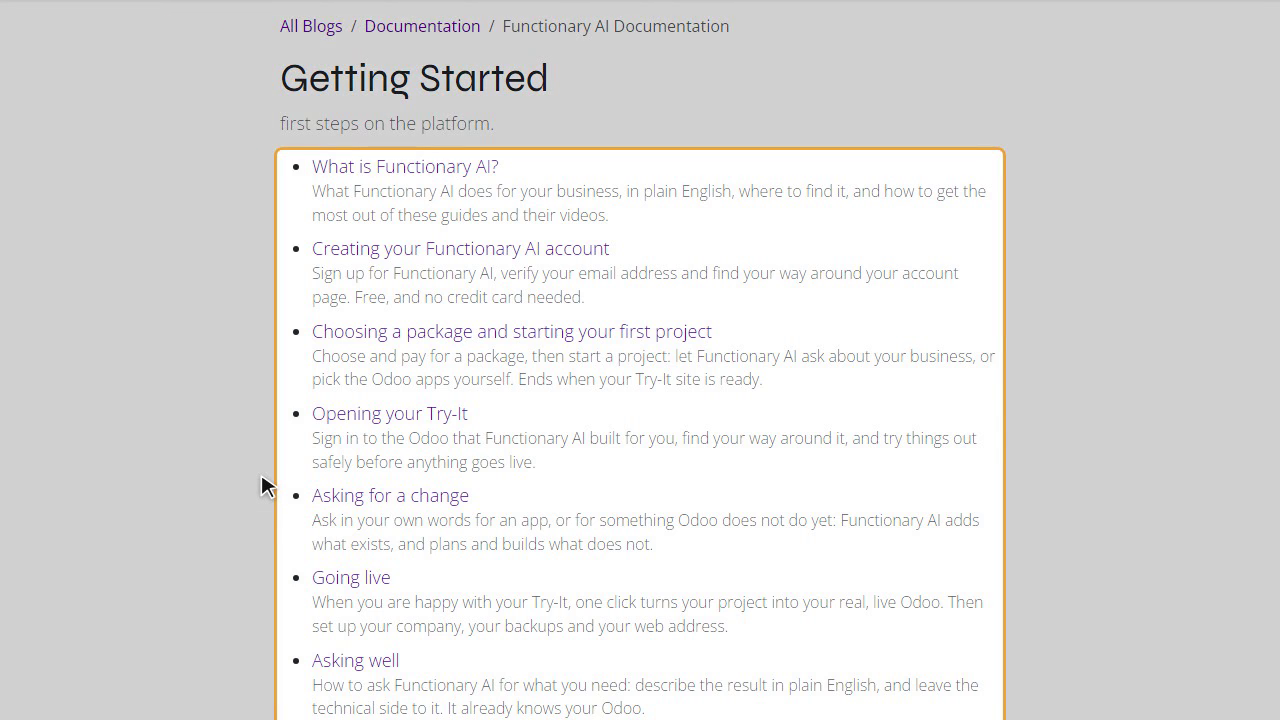
Open Documentation from the menu, then Functionary AI Documentation: it lists every guide, in three sections.
- Getting Started takes you through Functionary AI in order. Start at the top, with this guide, and work your way down: creating your account, your first project, your Try-It, asking for a change, and going live.
- How To follows a real business building a real project, from start to finish.
- Legal has the small print: our terms and conditions, privacy policy and service level agreement.
Each guide opens with a short video. Pause it whenever you like; captions are in the player's menu, if you would rather watch with the sound off.
Prefer to read? Everything in the video is written out underneath, step by step, with pictures. Keep the guide open beside you, and follow along.
Next: Creating your Functionary AI account. It's free, and takes about two minutes.